Make it yours
Make it sound like you.
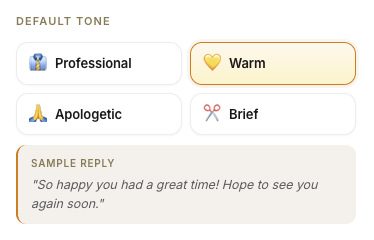
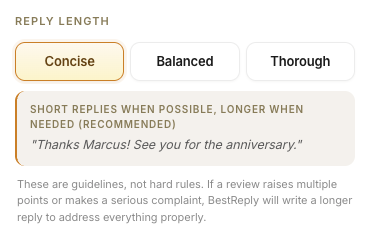
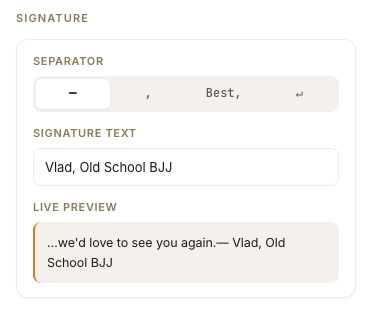
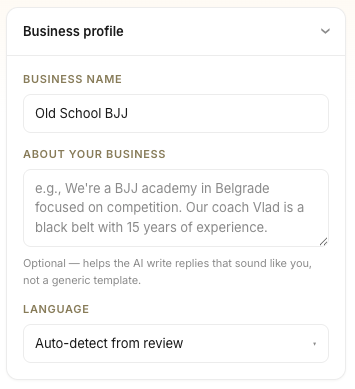
Some of what you can customize.
BestReply drafts a thoughtful reply for every Google review — right inside Google Business Profile.
Best carbonara on this side of town. Server (Elena) was wonderful with our kids. We're already planning a return trip for our anniversary.
How it works
01
BestReply adds a Suggest reply button next to Google's own.
02
Tailored to the star rating, the reviewer's name, and what they actually said.
03
Nothing posts without your approval. You stay in control.
Why it's different
Most tools either auto-post generic responses or dump you in a separate dashboard. BestReply does neither.
Every reply is a draft. You read, edit, and approve. Nothing posts without you.
The suggestion adapts to the star rating and the specifics — apologetic for one star, warm for five.
No new dashboard, no copy-pasting. BestReply appears inside Google Business Profile.
Make it yours
Some of what you can customize.
BestReply launches to a small group of small businesses first. Apply to be one of them.
We'll email you when your spot opens.